
Skip the Line: NADRA Introduces Appointment Booking By Mobile App

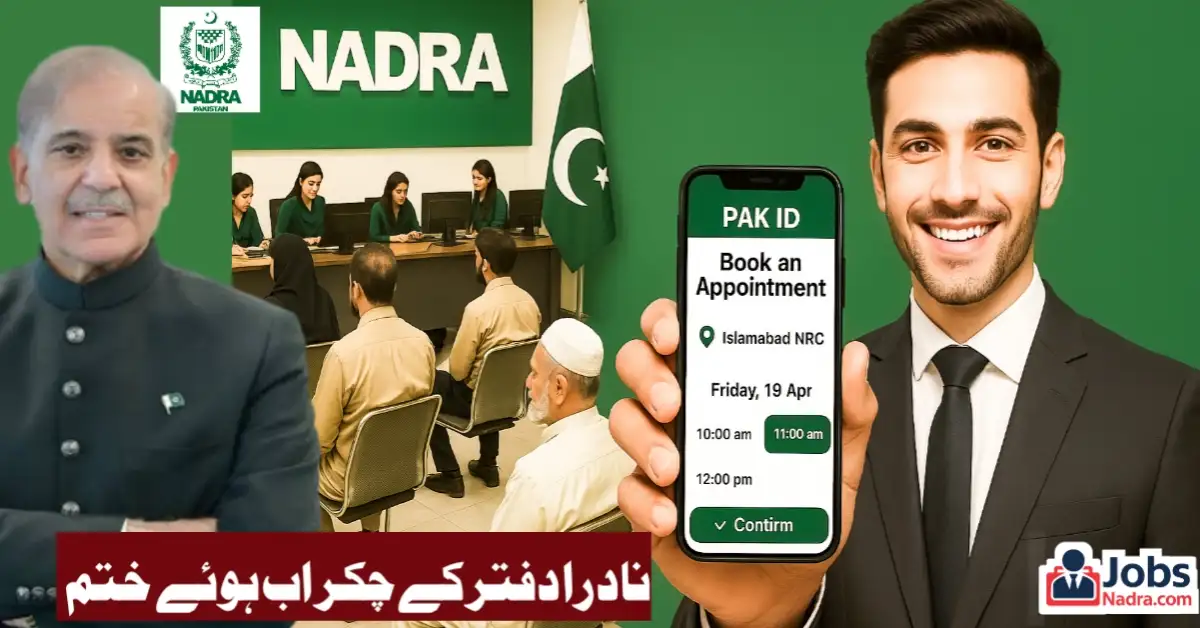
A major new update is here to save you precious time and hassle. NADRA has rolled out a highly convenient online appointment booking feature, transforming how citizens access essential services like CNIC (Computerized National Identity Card) applications, FRC (Family Registration Certificate) processing, and child registration.
The National Database and Registration Authority (NADRA) has introduced a new online appointment booking feature via its Pakistan Identity mobile application. This enhancement is designed to help minimize lengthy waiting periods at NADRA centers throughout Pakistan, enabling users to conveniently arrange their appointments in advance right from their smartphones.
Why This Update Matters?
Up until now, people needing services such as CNIC registration, B-Form issuance, or updates to their Family Registration Certificates (FRC) had to go to NADRA offices in person. They would first collect a token and often find themselves waiting for two to three hours for their number to be called. The lack of a pre-booking option led to significant delays and a considerable amount of frustration among the public.

What’s New?
With this new feature, users can now:

- Book appointments online in just a few taps.
- Choose the NADRA center of their choice.
- Select the date and time of visit.
- Avoid physical token lines altogether.
Step-by-Step: How the NADRA Appointment Booking System Works
The new system is integrated into the Pakistan Identity app, available on Google Play Store. Here’s a step-by-step breakdown of how the feature works:
- Download the App: Install “Pakistan Identity” app from Play Store.
- Create an Account: Install the app and set up personal account.
- Find the Booking Feature: Navigate to “Other NADRA Services” section and Tap on “Book Appointment”.
- Start Booking: If you don’t have an existing appointment, click “Book New Appointment”.
- Choose Service: Select the specific NADRA service you need (e.g., New CNIC, Child Registration Certificate, FRC).
- Select Location: Pick your Province and District. The app will then show you the available NADRA offices in your area. (Note: If your nearest office isn’t listed immediately, don’t worry. NADRA is continuously adding offices to the system.)
- Pick Date & Time: Choose your preferred date and a convenient time slot from those available. The system clearly displays open slots.
- Confirm Details: Enter the required applicant information accurately. This includes the full name and relevant ID numbers (like the applicant’s CNIC or B-Form number). You’ll also need to provide a mobile number and email address.
- Submit & Confirm: Review all details carefully and hit “Submit”. Your appointment is now booked!
Key Benefits of the Online Booking Feature
- Massive Time Savings: Eliminate unpredictable waiting times. No more arriving at dawn just to get a token for an afternoon slot.
- Convenience: Book your NADRA slot anytime, anywhere, right from your phone. No need for an initial office visit just to get a token.
- Reduced Crowds: The system helps manage office foot traffic, leading to a smoother experience for everyone who visits.
- Peace of Mind: Know exactly when your turn is scheduled. No more guessing or entire days lost waiting.
- Reminders: NADRA’s system includes a reminder feature! You will receive an alert about your scheduled appointment one hour beforehand.
We recommend reaching the NADRA center at least 10 minutes before your booked time to avoid cancellation of your slot.” — NADRA Advisory
Important Guidelines to Remember
- Arrive at the NADRA center 30 minutes before your scheduled time.
- The app requires accurate input — especially for district, purpose, and application type.
- Not all NADRA centers may be visible in the app yet. Updates are being rolled out.
- For family registration or child registration certificates, B-form numbers are required.
- If helping someone else (a relative), input their details properly during the booking step.
Nadra Services Supported via Online Booking
Service Type | Availability |
CNIC (New, Update, Renewal) | Yes ✔️ |
B-Form / Child Registration | Yes ✔️ |
Family Registration Certificate (FRC) | Yes ✔️ |
Duplicate CNIC | Yes ✔️ |
NICOP (for Overseas Pakistanis) | In Progress ❌ |
Address Change / Marital Status Update | Yes ✔️ |
Conclusion
NADRA’s online appointment booking system via the Pak Identity app is a significant step forward in improving citizen services.
It directly tackles the major pain point of long, uncertain waiting times, offering a streamlined, efficient, and user-friendly alternative. This digital shift saves valuable hours, reduces stress, and makes dealing with essential identity documentation much more manageable.
As NADRA continues to modernize its services, features like QR-based tokens, real-time status tracking, and remote document verification may also become part of its expanding digital ecosystem.